

The short answer
Choose an in-house receptionist when most of the work happens face to face: greeting patients, collecting copays, handling paperwork at the window. Choose a virtual medical receptionist when the bottleneck is the phone, the schedule and follow-up work. Many practices end up with a hybrid: one person at the desk, with remote support absorbing calls and administrative volume.
Side-by-side comparison
| Dimension | In-house receptionist | Virtual medical receptionist |
|---|---|---|
| Location | At your front desk | Remote, working inside your phone and scheduling systems |
| In-person tasks | Check-in, payments, forms, mail | Not possible; needs someone on site |
| Phones and scheduling | Shared with desk traffic | Handled remotely, away from walk-in traffic at the desk |
| Supervision | Direct, in the room | Through defined workflows, check-ins and reports |
| Hours | Your staffed office hours | Agreed hours, which can be arranged around your schedule |
| Cost categories | Wages, benefits, payroll taxes, training, workspace, equipment | Service fee; ask what equipment, software and workspace costs are included |
| Access control | Credentials on your network | Remote access; confirm how permissions are granted and revoked |
Workflow: what the job actually involves
Start by listing a normal day at your desk. A typical front desk juggles walk-ins, ringing phones, voicemail, appointment requests, insurance questions, referral faxes and portal messages, often all at once. When one person does all of it, the phones usually lose, because the patient standing at the window comes first.
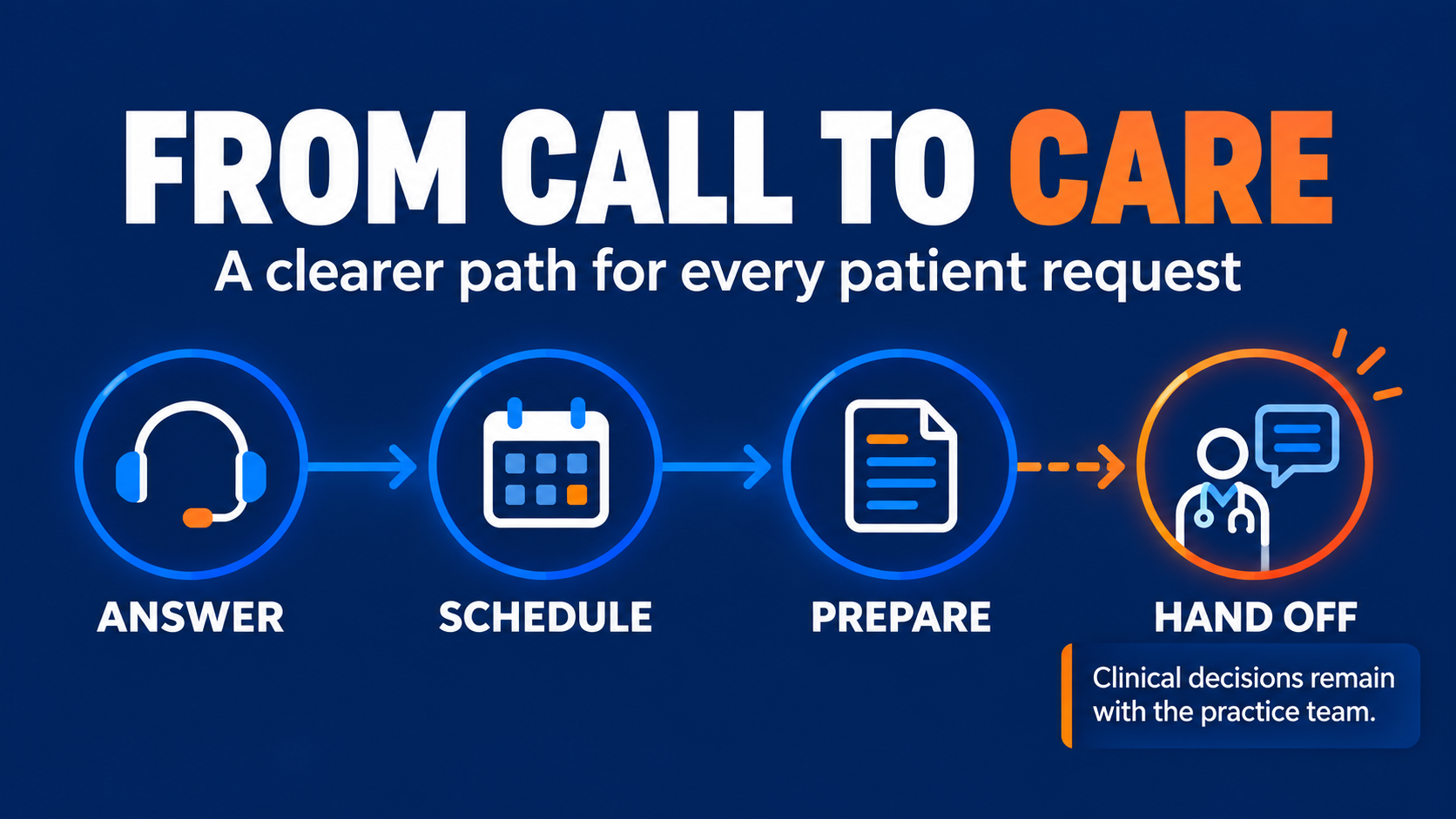
A virtual receptionist can split that load. Calls, scheduling, reminders, recalls and routine messages can move to a remote team member, which gives your in-house staff more room for the patients in front of them.
Supervision and quality
With an in-house receptionist, you can see and hear the work. With a virtual receptionist, you manage through process instead. That means:
- Written call scripts and a clear escalation list for clinical or urgent calls
- A named in-house contact for questions
- Regular check-ins during the first weeks
- A simple way to review work, such as call logs, message summaries or schedule spot checks
If continuity matters to you, ask any provider whether the same person will work with your practice each day or whether calls rotate across a team. Consistent staffing tends to make supervision easier because that person learns your providers, policies and patients.
Hours and coverage
An in-house receptionist covers the hours you staff the office, and coverage gaps appear during lunch breaks, sick days and vacations. A virtual receptionist works agreed hours, which can be arranged to overlap with your busiest periods, such as early morning call spikes. Either way, decide in advance who covers when your primary person is out.
Patient communication
Patients mainly want their call answered and their question resolved. A well-trained virtual receptionist who follows your scripts, uses your practice name and knows your providers can deliver that. Two points to settle early:
- Clinical questions go to clinical staff. A receptionist, in-house or virtual, should route symptom and medication questions to your nurses or providers, not answer them.
- Tone and language. Share examples of how you want common situations handled, including frustrated callers and billing questions.
Cost: compare categories, not just hourly rates
Comparing an hourly wage with an hourly service rate misses most of the picture. When you estimate the cost of an in-house hire, include:
- Wages and overtime
- Benefits and paid time off
- Employer payroll taxes
- Recruiting and training time, including turnover
- Workspace, computer, phone line and software seats
For a virtual receptionist, look at the service rate, the contract terms, any setup requirements and how replacement or coverage is handled. The right answer depends on your local labor market and how many hours you actually need, so run the numbers for your own practice. For reference, Reddy Virtuals publishes its healthcare virtual staffing pricing openly and does not require long-term contracts.
Privacy and access controls
Any receptionist handles protected health information, so plan access carefully regardless of location. A common approach is role-based access: each person gets their own login with only the permissions their role requires. Before working with any outside provider, verify:
- Will they sign a business associate agreement before any patient data is shared?
- What privacy and security training do their staff complete, and can they document it?
- How are workstations, devices and networks managed and secured?
- How quickly can access be revoked if someone leaves or changes roles?
- Who supervises their staff, and how are errors or incidents reported to you?
Hybrid options that work well

- Desk plus phones. Your in-house receptionist handles check-in and check-out; a virtual receptionist answers calls and manages the schedule.
- Overflow and peak coverage. Remote support picks up calls at the busiest times and covers breaks and time off.
- Front desk plus back office. A remote assistant combines reception work with related tasks such as insurance verification, recalls or referral tracking.
A quick way to decide
- Estimate what share of front desk time is face to face versus phone and computer work.
- Note where things slip today: missed calls, unreturned voicemails, unfilled cancellations.
- Keep in person what must be in person. Consider moving the rest to a dedicated remote team member.
If you would like help mapping this for your practice, see how our healthcare virtual assistants work, or talk to our team.